The link left at 1:32.
It should arrive at 1:32.
You paste a link and tell them "skip to the good part." Handoff Links does it for you — it tucks the timestamp, scroll position, or section right inside the URL, so the page opens exactly where you left off. Any device, any browser.
The context rides inside the link's #hl= fragment — never on a server.
Capture the spot. Copy the link. Hand it off.
No setup, no sign-in. The context is written into the URL the moment you copy — and read back the moment it's opened.
Click the icon
On a supported page, open the Handoff Links popup. It reads the current spot — a video time or scroll position — right then and there.
Copy the enhanced link
The popup shows your URL with an added #hl=… tag. One click copies it to your clipboard.
Share anywhere
Send it in chat, email, or notes. When anyone opens it, the page restores the exact spot automatically. Nothing to install on their end.
See it working.
The popup captures the spot; the enhanced link carries it. Here's the extension running on a live YouTube video and a real GitHub page — look at the address bar for the #hl= token it produced.
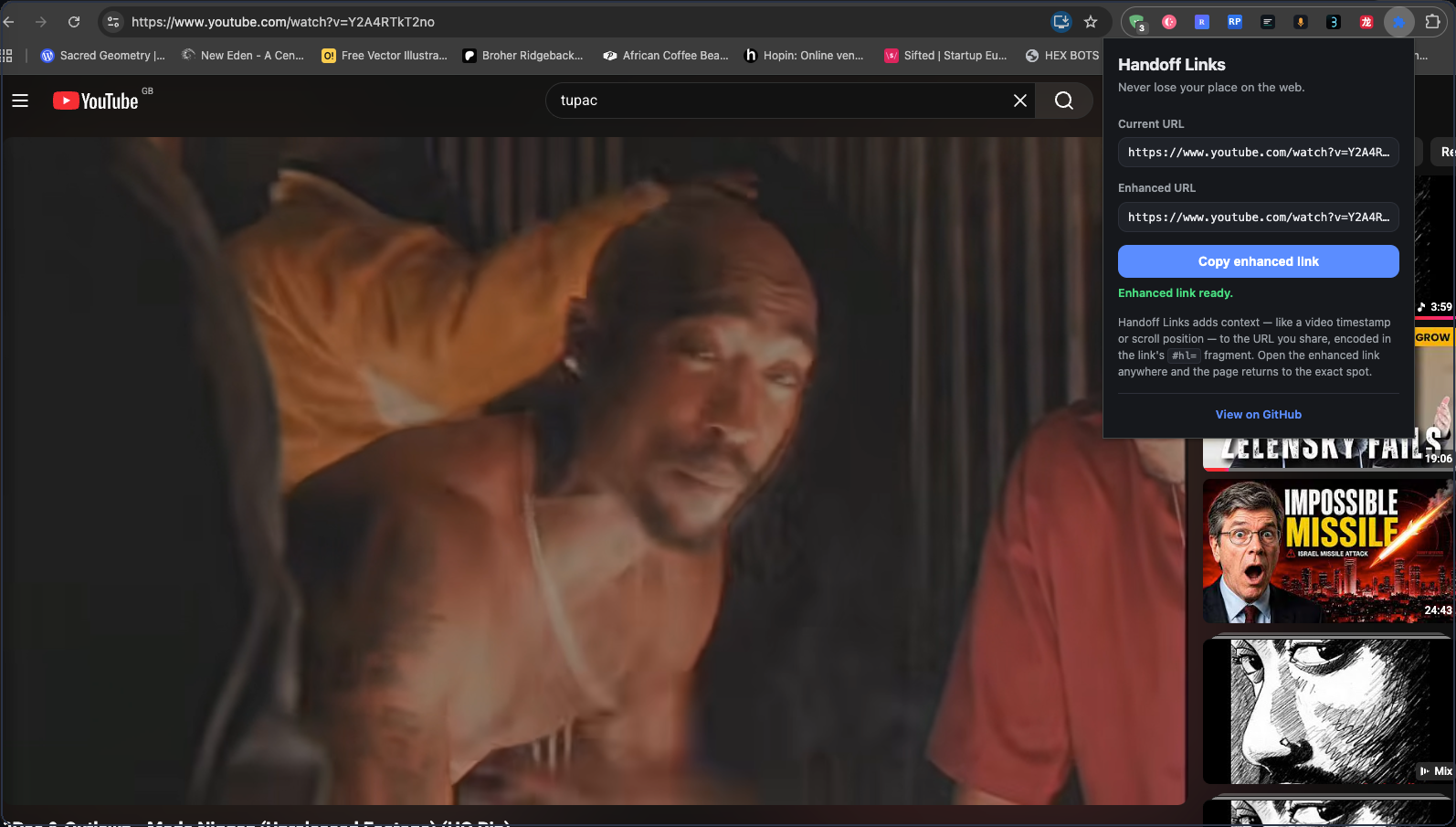

Open that link and the video seeks straight to the saved moment — no manual scrubbing.
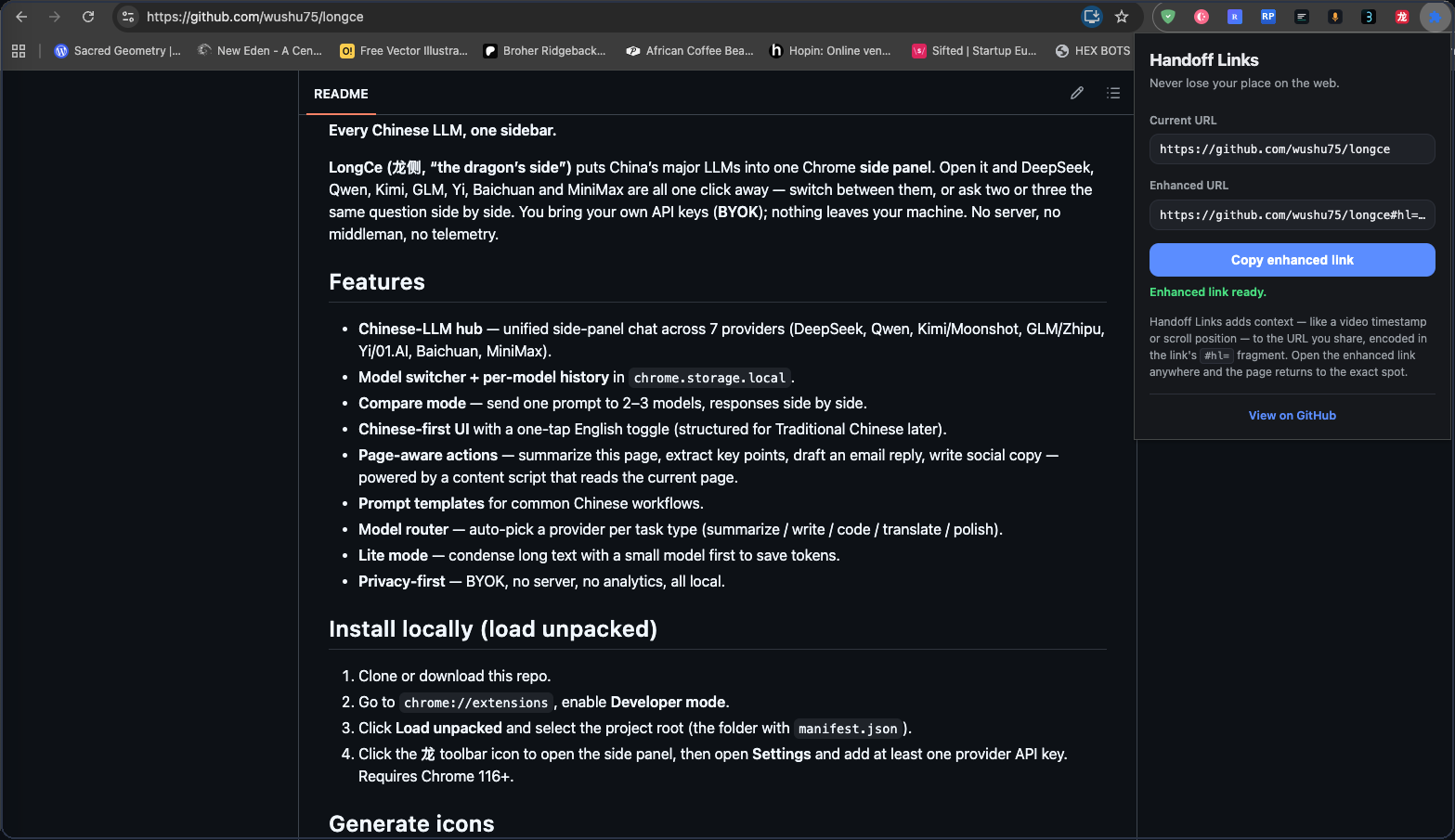

Open that link and the page scrolls back to where you were in the README automatically.
Two sites now. Built to learn more.
Each site is a small, self-contained "adapter." Anyone can write one — Figma, Notion, and Linear are on the way.
YouTube
Captures the current playback time and seeks the video straight to it when the link opens.
GitHub
Remembers how far down a long file or README you were, and scrolls back there on open.
Figma · planned
Viewport, zoom, or a selected node — so a design link lands on the frame you mean.
Notion · planned
Inner-scroll position or focused block inside a long page.
Your context never leaves the link.
Most "share" tools route your data through their servers. Handoff Links doesn't have servers. The spot you captured is encoded into the URL fragment itself — the part of a link browsers never send over the network.
- ✓ No account, ever — nothing to sign up for
- ✓ No analytics, no telemetry, no cookies
- ✓ No external requests of any kind
- ✓ Three minimal permissions, fully auditable
https://youtube.com/watch?v=…#hl=eyJ0eXBl…
// decoded, it's just this — locally
{ type: "youtube_timestamp",
data: { t: 92 } }
// no server ever sees the #fragment
Stop saying "skip to 1:32."
Install Handoff Links and every link you share already knows where to go.